Free gaming on MacOS now covers native downloads, major storefront releases, compatibility tools, and browser play. You have far more choice than the old “Macs do not play games” line suggests.
Some games here can launch in your browser with no download. Others use a client, so you can choose the route that fits your Mac and how quickly you want to start.
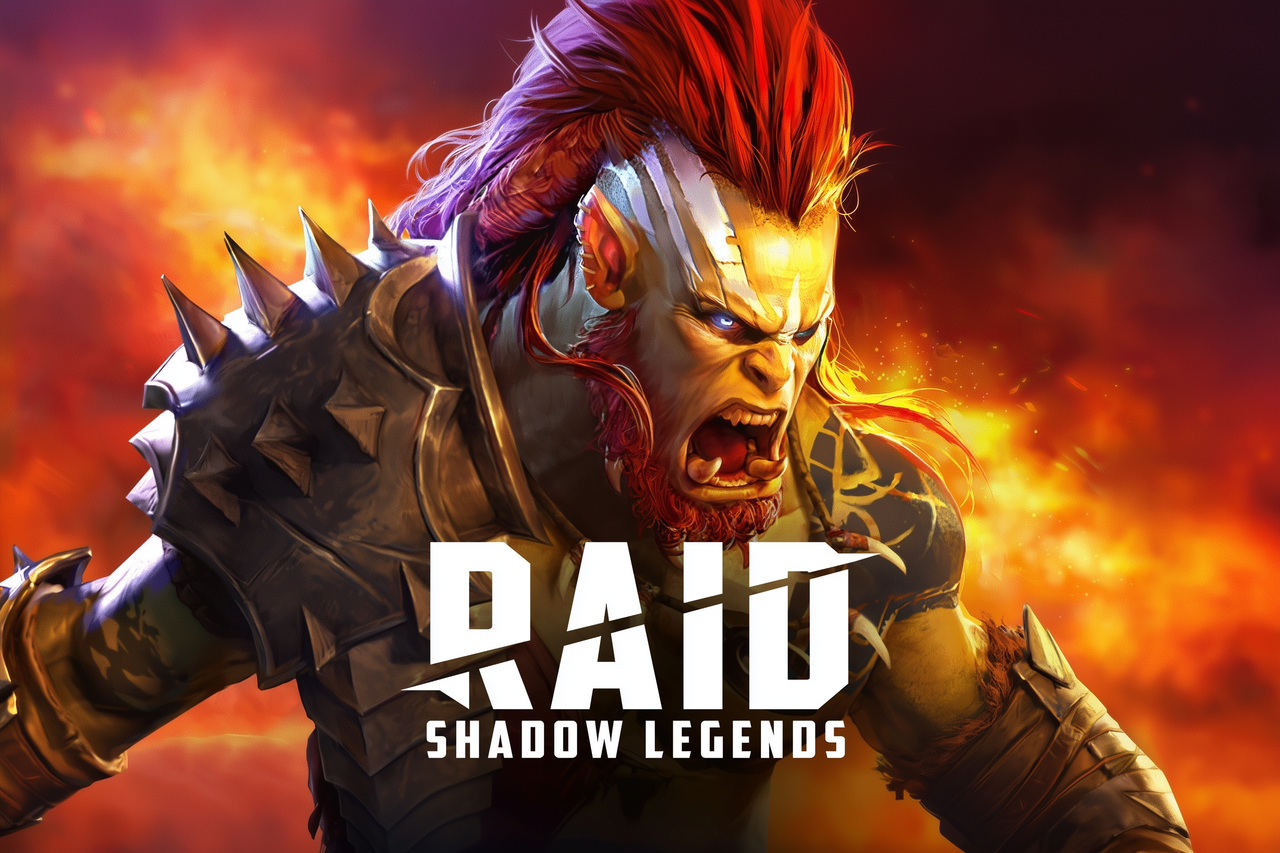
Raid: Shadow Legends is the fantasy gacha RPG that escaped its own ads and became the internet's loudest roster chase. It is a free-to-play, turn-based collection game set in Teleria, where Shards summon Champions, squads get tuned like machines, and the roster past 1,000 heroes keeps handing you new problems to solve. If you love team-building, PvP scheming, and the delicious chaos of your next pull, there is plenty here, with a gacha grind and eager shop offers attached.
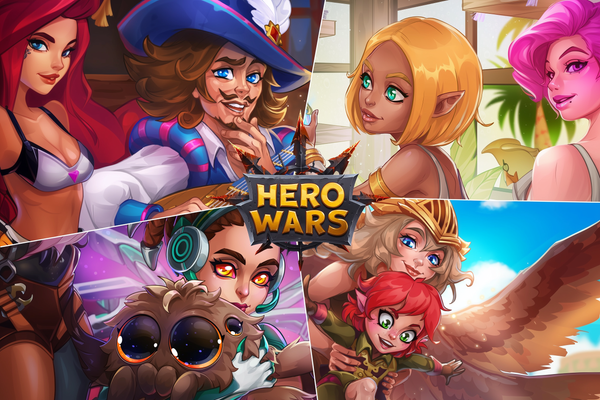
Hero Wars is the fantasy squad-builder hiding behind those infamous puzzle ads: collect and level dozens of heroes, tune your lineup, then send them into idle campaign fights, PvP arenas, and guild battles. The puzzles are only a side dish, but if hero collecting and clever team chemistry make your thumbs twitch, Dominion is ready to swallow your lunch break.
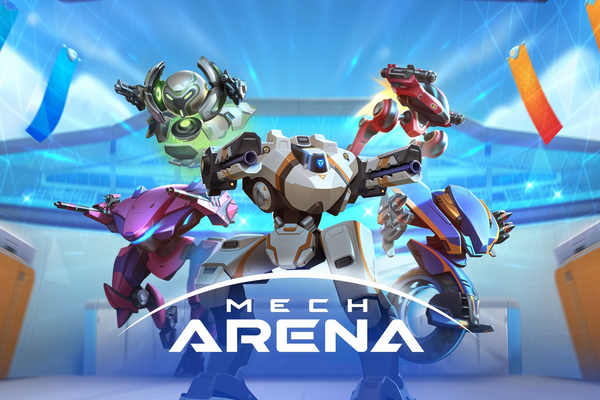
Mech Arena crams 5v5 robot warfare into quick tactical firefights, with enough mech and weapon combinations to turn your hangar into a steel-plated toy box. If you fancy free-to-play PvP where smart loadouts share the spotlight with a happy trigger finger, climb in.
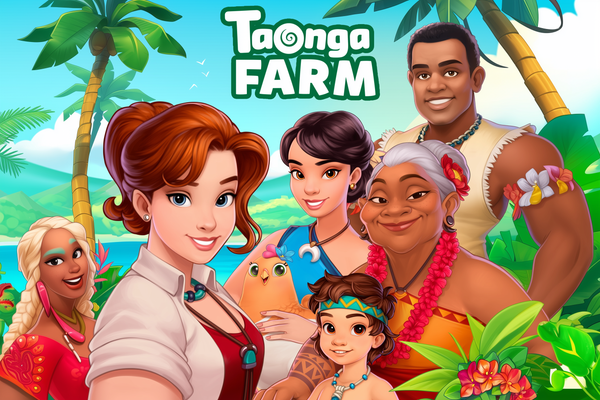
Taonga: the Island Farm hands you a tropical inheritance and promptly fills it with crops, animals, workshops, hidden treasure, and mystery-packed expeditions. It is a cozy browser farming adventure for players who can turn careful energy and storage management into one more harvest, one more quest, and, naturally, one more island detour.
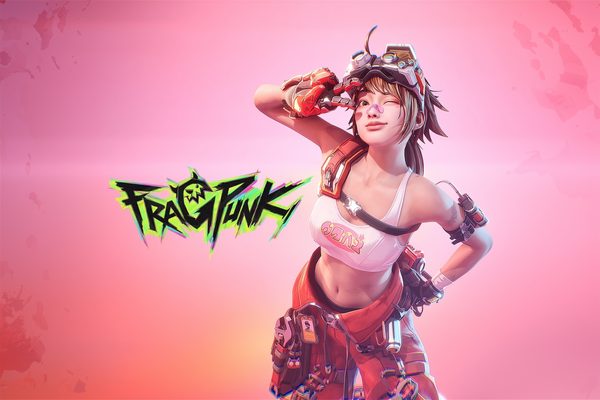
FragPunk deals Shard Cards into 5v5 hero-shooter firefights, letting your team bend each round’s rules with attacks, buffs, and nasty debuffs. If you like sharp gunplay with a strategic wildcard, this free-to-play scrap has your name on it.
Wuthering Waves takes the familiar anime open-world gacha formula and gives it sharper teeth: flashy, fast-paced combat, enticing exploration, and a post-apocalyptic mystery built around the amnesiac Rover. The story can get exposition-heavy, but if you want your next pull to fight like an action hero rather than a spreadsheet, this is your playground.
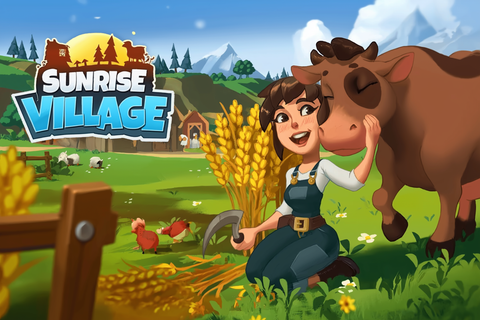
Sunrise Village sends you to Grandpa’s troubled town to rebuild farms, help the locals, and hunt six magical crystals through a colorful countryside mystery. If cozy chores, crafting, and exploration are your jam, this free-to-play adventure has plenty to harvest, provided you can roll with its occasionally stingy energy bar.
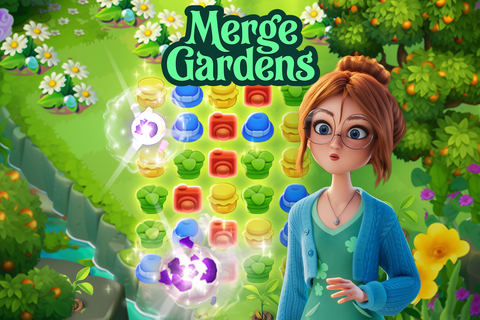
Merge Gardens turns Daisy’s inherited, overgrown estate into a three-way obsession: merge objects, crack match-3 boards, and unravel the mystery of her missing uncle. If cozy restoration with a magical-garden twist scratches your “one more merge” itch, this free-to-play charmer could happily eat your tea break.
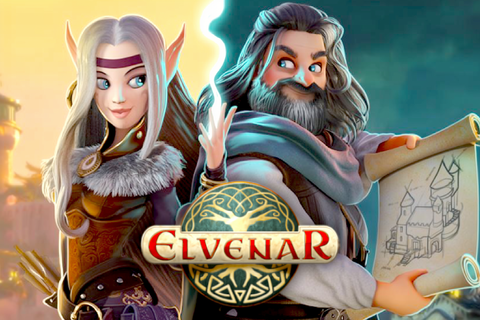
Elvenar lets you raise an elven wonderland or human stronghold, then fill it with dwarves, fairies, dragons, trade routes, and the occasional animated scrap. If you like relaxed city planning with hundreds of technologies and a social MMO layer, this free-to-play fantasy kingdom has plenty of room for your next grand scheme.
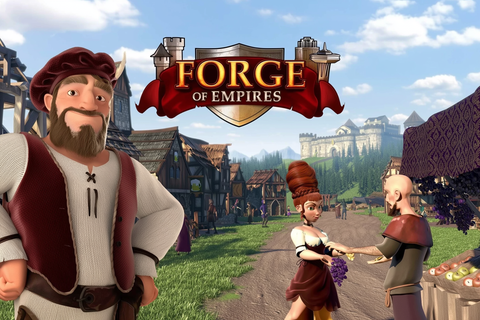
Forge of Empires hands you a Stone Age village and says, “Right, modern civilization next,” then stacks on technology, trade, territorial conquest, and turn-based battles. It is a free-to-play treat for patient planners who want their city to keep finding one more delicious upgrade.
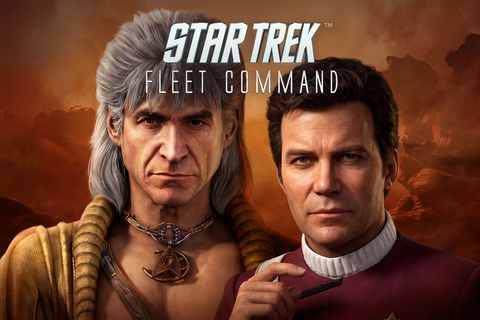
Star Trek Fleet Command turns the big Trek daydream, your starbase, your fleet, your favorite officers, your alliance drama, into a free-to-play MMO where exploration, upgrades, faction pulls, co-op, and PvP all keep jostling for the captain’s chair. If you want a long-haul strategy game with Kirk, Spock, Nero, Discovery, The Next Generation, Lower Decks, and plenty of “one more upgrade” scheming, this is your next command post.
The Iron Throne is up for grabs, and Game of Thrones: Winter is Coming lets you build a Westerosi stronghold, recruit familiar characters, raise an army, and scrap with rival lords for famous castles. If you fancy Game of Thrones with city-building, MMO alliances, and real-time PvP, your browser or Windows PC just became dangerously tempting.
The game that helped turn miHoYo into a gacha giant still crackles with anime spectacle: three-Valkyrie teams, rapid QTE swaps, wild genre detours, and a mountain of sci-fi story. If flashy hack-and-slash combat and a roster built one gacha pull at a time sound like your particular brand of chaos, Honkai Impact 3rd is ready to claim your evenings.
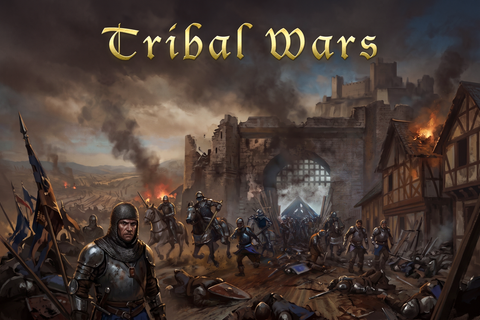
More than 59 million registered players have joined Tribal Wars, where a humble medieval village can grow into an empire of spear fighters, heavy cavalry, and gloriously messy tribal warfare. If you relish patient base-building, real-time PvP, and alliance drama with actual stakes, your next clay pit awaits.
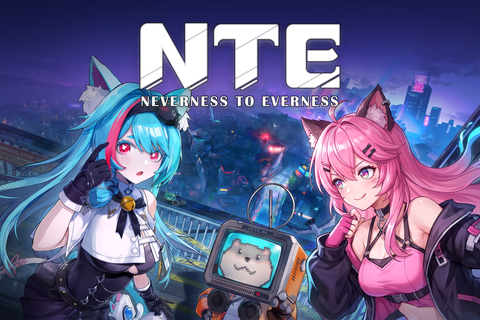
Neverness to Everness drops you into Hethereau as an unlicensed anomaly hunter, then hands you fast action RPG combat, a gacha roster, supercars, police chases, and mahjong because apparently supernatural paperwork was not chaotic enough. If you want anime spectacle with an urban open world built for exploring and causing just a little trouble, your next free-to-play obsession has arrived.
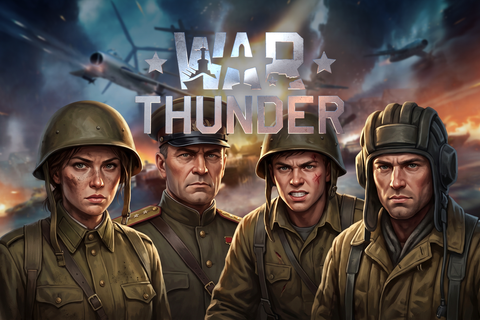
War Thunder lets you trade dogfights for tank duels and warship salvos without leaving its enormous military sandbox, with modes ranging from arcade-friendly chaos to full simulator discipline. If your ideal roster spans World War II steel and modern combat hardware, this free-to-play MMO is ready to eat your weekends.
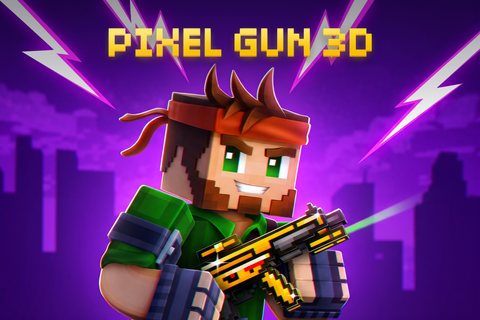
Pixel Gun 3D: PC Edition blasts the long-running mobile FPS onto Windows with dozens of modes and maps, cross-platform multiplayer, and a frankly bananas arsenal of 1,500-plus guns. If you want colorful PvP, battle royale scraps, and enough weapon collecting to make your inventory beg for mercy, step right up.
On macOS, the route into a game matters almost as much as the game itself. Native releases keep things direct, browser games cut out the download, and compatibility tools can open the door to PC releases that lack official Mac support.
We selected and reviewed the games on this page ourselves. They come from our reviewed catalog, not a generic storefront feed. Our featured pick leads at the top, giving you a strong place to start. From there, you can choose according to genre, launch method, and the level of setup you are comfortable with.
That flexibility is the real draw. You might want an instant browser session now, then install something meatier for later. Pick your lane, press Play Now, and let your Mac get on with the entertaining part.
macOS Builds, Apple Silicon, and Browser Play
A Mac label alone does not settle compatibility. The macOS version, chip family, and game build matter more than the name on the computer. Check the platform and specification details before downloading.
Native macOS builds are the most direct option. Browser games can be even quicker when offered, since they require no game download. A client-based release needs installation and may have its own operating system, memory, graphics, and storage requirements.
Older software deserves extra attention. macOS 10.15 ended support for 32-bit applications, so an old Mac release may no longer run on a current operating system. Intel-targeted games can also behave differently on Apple silicon. Support should be confirmed for the specific build rather than assumed.
PC-only releases may be accessible through translation tools such as Wine or CrossOver. These tools interpret Windows software for macOS without requiring a normal Windows installation, but compatibility varies and setup can be more involved. Cloud streaming is another route when local hardware or software support is the sticking point. If a game here offers browser play, Play Now is the quickest way past the compatibility paperwork.
macOS Setup Tips Before You Press Play
Read the platform line: Confirm that macOS is listed, then compare the minimum operating system version with the version installed on your Mac.
Check the chip requirement: Find out whether the game supports Intel Macs, Apple silicon, or both. Do not assume that an older Mac build automatically supports newer hardware.
Watch for 32-bit software: Games built only as 32-bit applications will not run natively on macOS 10.15 or later.
Choose your launch route: Use browser play when it is available and you want the fastest start. Choose a native client when the game requires one, and consider translation or cloud tools only when official Mac support is absent.
Compare the full specifications: Operating system support is only the first gate. Check memory, graphics, storage, and controller requirements before installing.
Confirm multiplayer compatibility: Some games support sessions between Mac and PC players, but cross-platform play is title-specific. Check before recruiting friends and creating an evening of excellent scheduling.
Start with the least complicated option: A supported native build or browser version usually asks less of you than a compatibility layer. When Play Now is available, it is the cleanest shortcut from choosing a game to actually playing it.
FAQ
FAQs
Free macOS games span action, adventure, card games, horror, city builders, visual novels, and other genres. There is plenty here to match your mood, whether you want quick decisions or a longer campaign.
Our featured pick is shown at the top of this page. Start there, or choose any reviewed macOS game that fits the genre you fancy and press Play Now.
Yes, browser play with no download is available for some of the macOS games we host. Check the game page for the play option before you begin.
You can play online macOS games through native releases, and some multiplayer titles support sessions between Mac and PC players. Some of our picks also run in your browser, making it especially quick to get started.
Not necessarily. Check each game's supported macOS version and hardware requirements, and remember that macOS 10.15 and later cannot run 32-bit apps.