02 Honkai: Star Rail
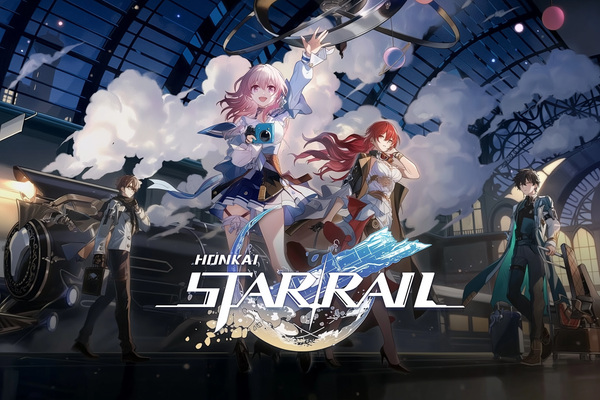
Honkai: Star Rail puts HoYoverse’s character-collecting spectacle aboard a sci-fi space train, with turn-based battles and swappable parties of four. If anime drama, tactical team-building, and plotting your next gacha pull sound like your kind of cosmic trouble, grab a ticket.
03 Hero Wars
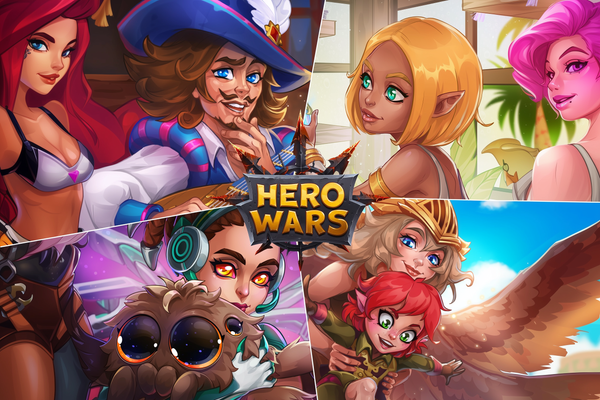
Hero Wars is the fantasy squad-builder hiding behind those infamous puzzle ads: collect and level dozens of heroes, tune your lineup, then send them into idle campaign fights, PvP arenas, and guild battles. The puzzles are only a side dish, but if hero collecting and clever team chemistry make your thumbs twitch, Dominion is ready to swallow your lunch break.
04 Nikke
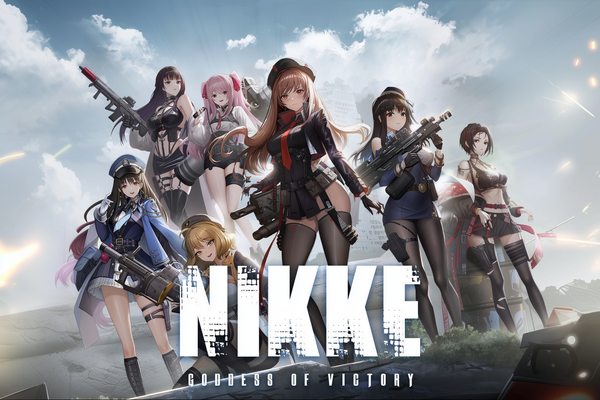
Goddess of Victory: Nikke is the anime gacha where eye-catching heroines and cover-based gunplay grab your attention, then a surprisingly deep sci-fi story and quick character-switching keep your squad marching. If you like collecting characters, tuning teams, and gambling your hopes on one more pull, this free RPG shooter has your number.
05 Mech Arena
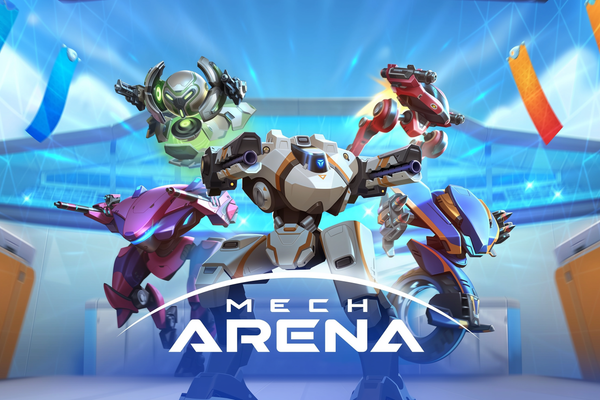
Mech Arena crams 5v5 robot warfare into quick tactical firefights, with enough mech and weapon combinations to turn your hangar into a steel-plated toy box. If you fancy free-to-play PvP where smart loadouts share the spotlight with a happy trigger finger, climb in.
06 War Robots
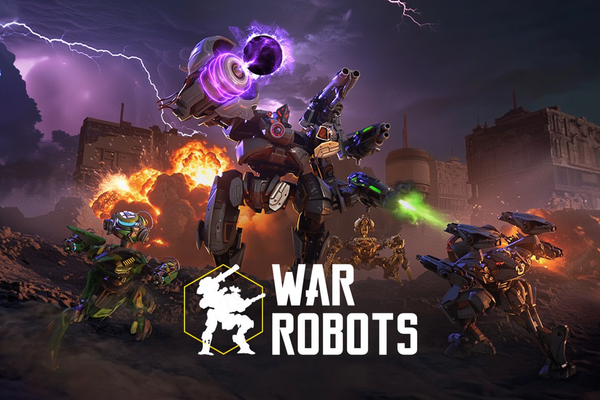
War Robots has drawn more than 300 million players by making one fantasy wonderfully simple: strap weapons to a giant machine, join a squad, and stomp into real-time PvP. If you like tactical team fights, roster tinkering, and metal colossi treating subtlety as optional, your cockpit is waiting.
Merge Gardens
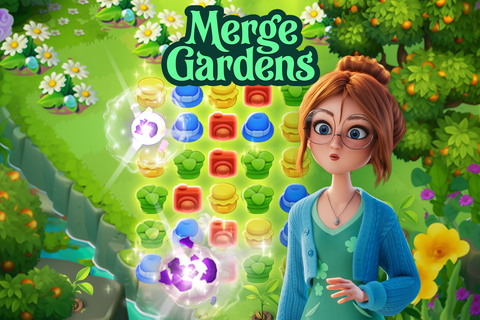
Merge Gardens turns Daisy’s inherited, overgrown estate into a three-way obsession: merge objects, crack match-3 boards, and unravel the mystery of her missing uncle. If cozy restoration with a magical-garden twist scratches your “one more merge” itch, this free-to-play charmer could happily eat your tea break.
Sea of Conquest
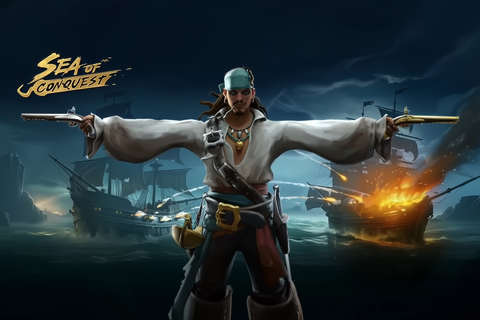
Sea of Conquest turns the familiar free-to-play base-building grind into a pirate power trip, letting you steer across the Devil’s Sea, customize your ship and cabins, assemble a fleet, and scrap with NPCs or rival captains. If you fancy open-world sailing, PvP plotting, and upgrades ticking away while your next conquest brews, climb aboard.
Taonga Island
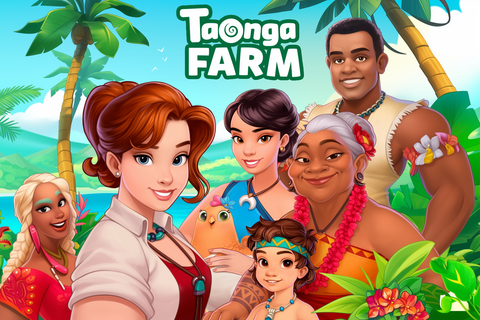
Taonga: the Island Farm hands you a tropical inheritance and promptly fills it with crops, animals, workshops, hidden treasure, and mystery-packed expeditions. It is a cozy browser farming adventure for players who can turn careful energy and storage management into one more harvest, one more quest, and, naturally, one more island detour.
Genshin Impact
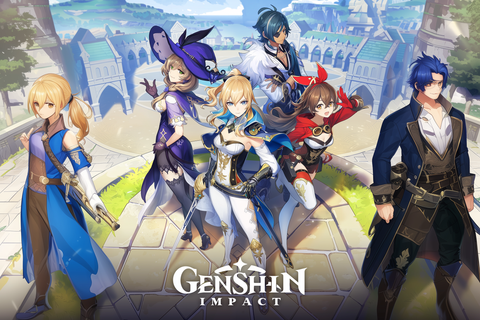
Genshin Impact is the free-to-play anime open-world RPG where Teyvat’s gorgeous horizons lead to elemental, character-swapping combat and that dangerously tempting next pull. The gacha grind is the bit to know going in, but if you love exploration, fantasy stories, and building a four-person dream team, this is one huge adventure worth opening the map for.
Enlisted
Enlisted drops you into huge World War II battles where you command an AI squad, hop between surviving soldiers, and swap trench-clearing infantry work for tanks or aircraft when the front gets spicy. If you want a free large-scale shooter with tactical bite and combined-arms chaos, your next squad is waiting.
Fragpunk
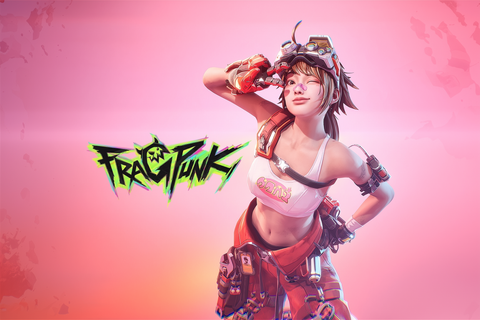
FragPunk deals Shard Cards into 5v5 hero-shooter firefights, letting your team bend each round’s rules with attacks, buffs, and nasty debuffs. If you like sharp gunplay with a strategic wildcard, this free-to-play scrap has your name on it.
Wuthering Waves
Wuthering Waves takes the familiar anime open-world gacha formula and gives it sharper teeth: flashy, fast-paced combat, enticing exploration, and a post-apocalyptic mystery built around the amnesiac Rover. The story can get exposition-heavy, but if you want your next pull to fight like an action hero rather than a spreadsheet, this is your playground.
Sunrise Village
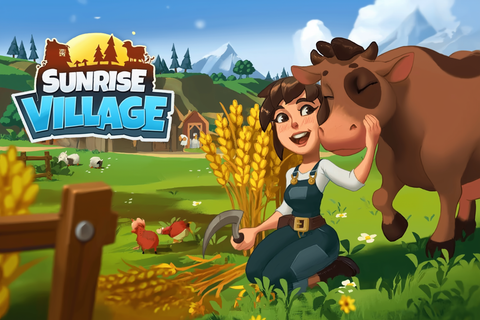
Sunrise Village sends you to Grandpa’s troubled town to rebuild farms, help the locals, and hunt six magical crystals through a colorful countryside mystery. If cozy chores, crafting, and exploration are your jam, this free-to-play adventure has plenty to harvest, provided you can roll with its occasionally stingy energy bar.
Rush Royale
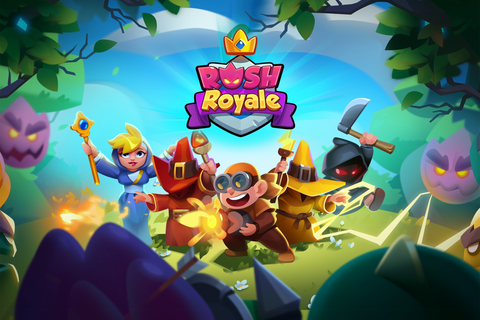
Rush Royale turns tower defense into a 3×5 pressure cooker, where merging duplicate cards can reshape your board and every monster you crush in PvP becomes your opponent’s problem. If you fancy quick strategy, collectible decks, and co-op castle defense with a pinch of chaos, your next obsession may be waiting at the gates.
Game of Thrones: Winter is Coming
The Iron Throne is up for grabs, and Game of Thrones: Winter is Coming lets you build a Westerosi stronghold, recruit familiar characters, raise an army, and scrap with rival lords for famous castles. If you fancy Game of Thrones with city-building, MMO alliances, and real-time PvP, your browser or Windows PC just became dangerously tempting.
Steam Deck Makes Free Games Easy to Keep in Rotation
Steam Deck is built for the kind of game you want within reach, whether that means a compact standalone release or a free-to-play game that keeps growing. Pick it up, clear a quick objective, or settle in for something longer. Your call.
Every game shown here comes from our own reviewed catalog, and we selected the entries ourselves. The featured pick leads at the top of the page, giving you a clear place to begin without pretending that one compatibility badge tells the whole story.
Free does not always mean the same thing. Some releases provide a complete experience, while others include shops, passes, or ongoing progression systems. That distinction matters when you are choosing what deserves space in your library. Start with the featured pick, check what to know going in, then press Play Now.
Steam Deck Compatibility Depends on More Than Hardware
Valve labels games as Verified, Playable, Unsupported, or Unknown. Verified means the game should work well on Steam Deck out of the box. Playable can mean manual adjustments are required. Unsupported officially means it is not currently functional, while Unknown means Valve has not checked it yet. The badge is useful, not prophecy.
SteamOS, Proton support, anti-cheat software, control layouts, and text readability can matter more than raw specifications. A demanding-looking game may adapt well to the Deck, while a lighter online game can run into trouble if its anti-cheat system will not cooperate with Proton. Updates and native Linux versions can also change how well a release runs over time.
Controls deserve equal attention. Games designed around a mouse may use the trackpads or touchscreen, while Steam Input can map buttons to keyboard commands. That flexibility can rescue an awkward default layout, although games with complex interfaces may still need a little setup.
Some games on this page offer browser play with no download. That removes the installation step and avoids using local storage. Other games need their client or a full installation, which can make better use of Game Mode, controller layouts, and Steam library shortcuts. Choose the route offered by the game, press Play Now, and let the Deck handle the rest.
Steam Deck Habits That Keep Free Games Ready
- Update before troubleshooting: Install SteamOS and game updates first. Compatibility and performance can improve after patches, so an old result may not reflect the current build.
- Read the compatibility label precisely: Verified is the simplest starting point, while Playable tells you to expect some adjustment. Unknown is not an automatic failure, and unsupported games may occasionally work despite lacking official support.
- Adjust Steam Input: Select a Gamepad layout when the game supports controllers natively. For keyboard-driven games, remap buttons to the commands you use most and consider the trackpads or touchscreen for cursor control.
- Use Desktop Mode for other storefronts: Heroic Games Launcher can be installed through Discover and used to access eligible libraries from Epic, GOG, or Amazon Prime. Apps can also be added to Steam so they appear under the Non-Steam area in Game Mode.
- Plan your storage: Larger installs can go on a compatible microSD card after it has been formatted through the Deck's system settings. Formatting erases existing contents, so check the card before confirming.
- Check the business model: A free download may be a complete short game or a free-to-play release with optional purchases. Know which one you are getting before progression systems and shop prompts start competing for your attention.
- Use browser play when it is offered: It is the quickest route for games on this page that support it, with no download required. Pick something that fits your mood and press Play Now.