Free Games for Xbox: Find Your Next Console Favorite
Xbox free-to-play gaming covers everything from shooters and racers to role-playing, sports, strategy, fighting, and family-friendly adventures. Better still, online multiplayer for free-to-play console games is available without an additional multiplayer charge.
Create a free Xbox account, choose what suits your mood, and get your next game night moving.
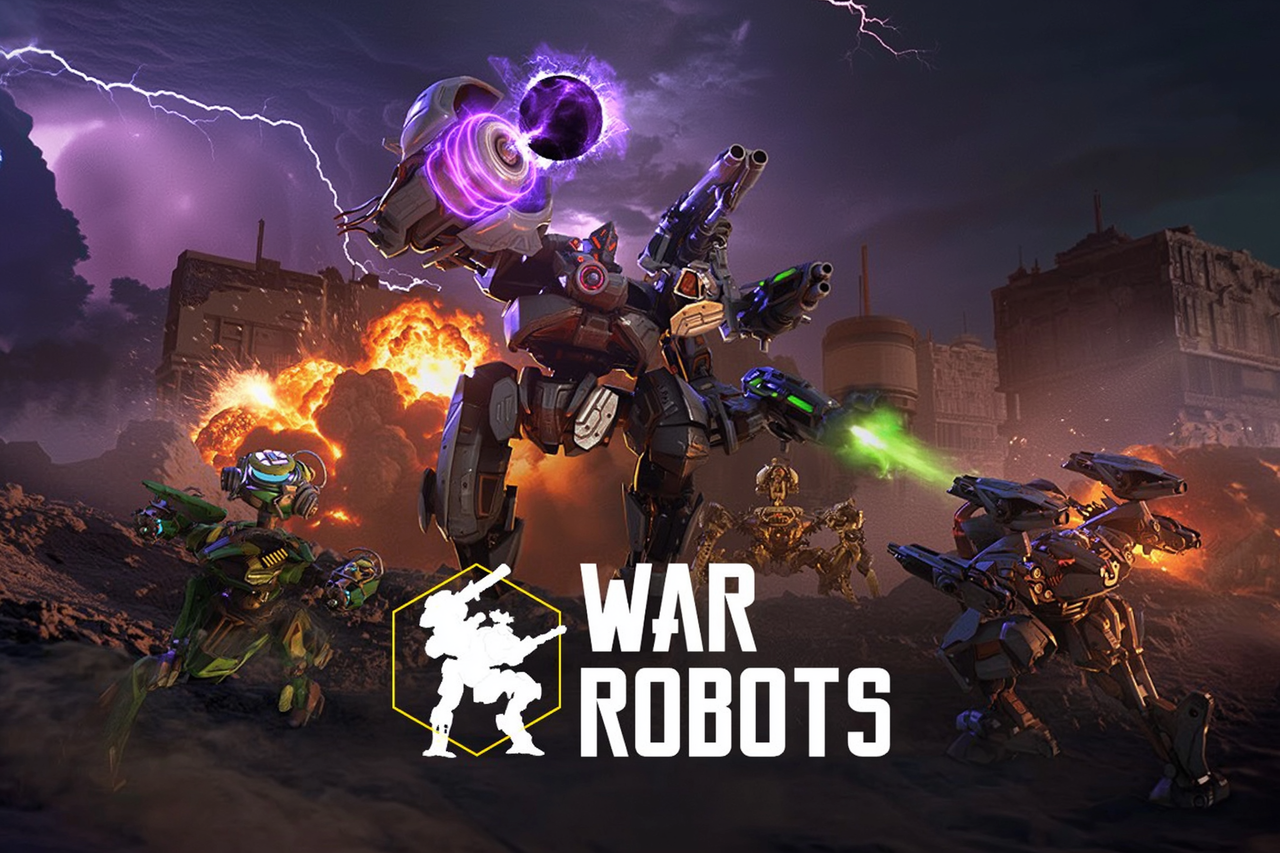
War Robots has drawn more than 300 million players by making one fantasy wonderfully simple: strap weapons to a giant machine, join a squad, and stomp into real-time PvP. If you like tactical team fights, roster tinkering, and metal colossi treating subtlety as optional, your cockpit is waiting.
Genshin Impact is the free-to-play anime open-world RPG where Teyvat’s gorgeous horizons lead to elemental, character-swapping combat and that dangerously tempting next pull. The gacha grind is the bit to know going in, but if you love exploration, fantasy stories, and building a four-person dream team, this is one huge adventure worth opening the map for.
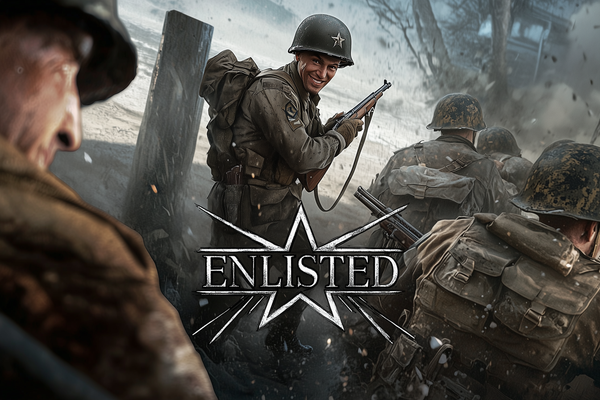
Enlisted drops you into huge World War II battles where you command an AI squad, hop between surviving soldiers, and swap trench-clearing infantry work for tanks or aircraft when the front gets spicy. If you want a free large-scale shooter with tactical bite and combined-arms chaos, your next squad is waiting.
FragPunk deals Shard Cards into 5v5 hero-shooter firefights, letting your team bend each round’s rules with attacks, buffs, and nasty debuffs. If you like sharp gunplay with a strategic wildcard, this free-to-play scrap has your name on it.
Wuthering Waves takes the familiar anime open-world gacha formula and gives it sharper teeth: flashy, fast-paced combat, enticing exploration, and a post-apocalyptic mystery built around the amnesiac Rover. The story can get exposition-heavy, but if you want your next pull to fight like an action hero rather than a spreadsheet, this is your playground.
Xbox gives every kind of player somewhere to start
The Xbox dashboard and Store make free-to-play games easy to discover, while the platform itself supports a broad mix of genres and play styles. Competitive matches, long progression systems, quick races, tactical decisions: your next obsession can take several forms.
The games presented here come from our own reviewed catalog and were selected and reviewed by us. That editorial pass helps you judge the experience behind the store label, rather than choosing on artwork alone.
Our featured pick is shown at the top, giving you a confident first stop. Read the review, check that its style fits your evening, then press Play Now and get your roster moving.
Xbox Series X|S puts compatibility before PC-style spec sheets
Console gaming saves you from comparing processors, graphics cards, and memory requirements like you are filing a tax return. What matters is whether the game supports your Xbox model, how much storage it needs, and whether its online features suit you. Check the product details before installing, especially if you use an Xbox One rather than an Xbox Series X|S.
A locally installed console game runs through the Xbox hardware instead of relying on a browser session. Cloud gaming takes a different route: with an eligible Game Pass subscription, supported games can stream from the cloud on compatible devices. Availability varies by game and service, so the product page remains the useful source of truth.
Storage and internet quality still count. Downloads, updates, and online matches all use your connection, while larger installations can crowd a console quickly. Keep some space free and you will spend less time rearranging your library when you would rather press Play Now.
Xbox Store habits that keep free play simple
Start with your Xbox account: A free account handles your profile, friends, community features, and access to free-to-play online multiplayer.
Check console compatibility: Confirm that the product page lists your Xbox model before starting an installation.
Read the purchase labels: A game can be free to download while still offering optional in-game purchases. Check the label before confirming extras, especially on shared consoles.
Leave room for updates: Keep spare storage available so patches do not force an unexpected round of uninstall decisions.
Use Family Groups for younger players: Xbox family settings can manage screen time, social interactions, spending, and access to mature content for individual accounts.
Queue installations with the Xbox app: The mobile app can manage your console and install games remotely, which makes setup easier when you are away from the television.
Match the game to your available time: Look for session structure, multiplayer focus, and progression demands in the review, then choose the experience that fits your evening and press Play Now.
FAQ
FAQs
Yes. Online multiplayer for free-to-play console games has no additional multiplayer charge, though you need a free Xbox account to join in.
Xbox free-to-play games span shooters, racers, role-playing, sports, strategy, fighting, and family-friendly adventures. Plenty of room to find your next obsession.
Open the Xbox Store and head to the Top free or Free to play section. Choose a game, then select Get free or Install to add it to your download queue.
Start with our featured pick at the top of this page. It is our clearest recommendation when you want to stop browsing and start playing.
Yes. Xbox family settings let you manage access to mature content, screen time, social interactions, and online spending from the console, online, or through the Xbox Family Settings app.