Browse more
All Platforms →
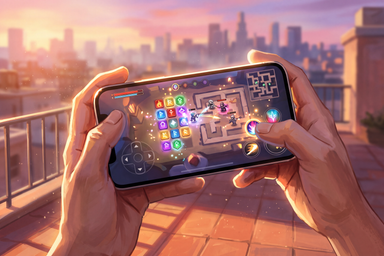

HarmonyOS gaming rewards a good editorial steer
HarmonyOS is still gathering developer momentum, so a clear recommendation matters. Every game we cover here is one we selected and reviewed ourselves.
That lead choice is the quickest route to the game we think deserves your attention first. Use the reviews to narrow the field, choose what fits your mood, and press Play Now when something clicks.
HarmonyOS app paths matter more than spec-sheet swagger
HarmonyOS does not make every app route equivalent. AppGallery is Huawei’s official distribution channel, while alternative stores can provide other free apps. Some Android software may run through compatibility tools or virtual environments, particularly on newer HarmonyOS releases.
Browser play generally depends on browser support and the game service itself. Client play depends on a compatible package, operating-system version, permissions, and distribution method. Neither route becomes compatible simply because the phone has a faster processor or more memory.
Your exact device model, HarmonyOS version, app source, and compatibility method matter more than headline hardware numbers. A newer phone is not automatic proof of support. Annoying, yes, but useful to know. Check those details, then press Play Now with the setup guesswork out of the way.
HarmonyOS setup habits that keep your games moving
- Match the exact version: Check the supported HarmonyOS release and device model before installing. A platform name alone does not confirm compatibility.
- Start with a trusted source: Use AppGallery where available. If you choose an alternative store, verify the publisher and package before proceeding.
- Check permissions carefully: Compatibility tools may request access to notifications, files, or other device features. Grant what the software needs, rather than approving everything on reflex.
- Expect container boundaries: Apps running inside a virtual environment may not automatically see files from the main system, even when permissions appear correct.
- Keep software current: Review Huawei’s latest guidance and install relevant platform, store, and app updates. Compatibility details can change between releases.
- Confirm the route before starting: Know whether the game uses a native HarmonyOS package, another supported app format, or a compatibility layer. Then press Play Now and let the game, rather than the setup menu, claim your attention.